There are already plenty of tools online for creating social media graphics.
Canva. Adobe Express. Figma. And probably hundreds of smaller SaaS products doing variations of the same thing.
I didn’t build this because I thought the world needed another one.
I built it because I could.
Solving a very small problem
Creating a social graphic isn’t particularly difficult.
But when you’re regularly creating graphics for LinkedIn, Instagram, blog posts and other bits of content, you start repeating the same process.
Create the document. Set the dimensions. Add the colours. Position the type. Drop in an image. Export it.
Then do roughly the same thing again at another size.
What I actually wanted was something much simpler.
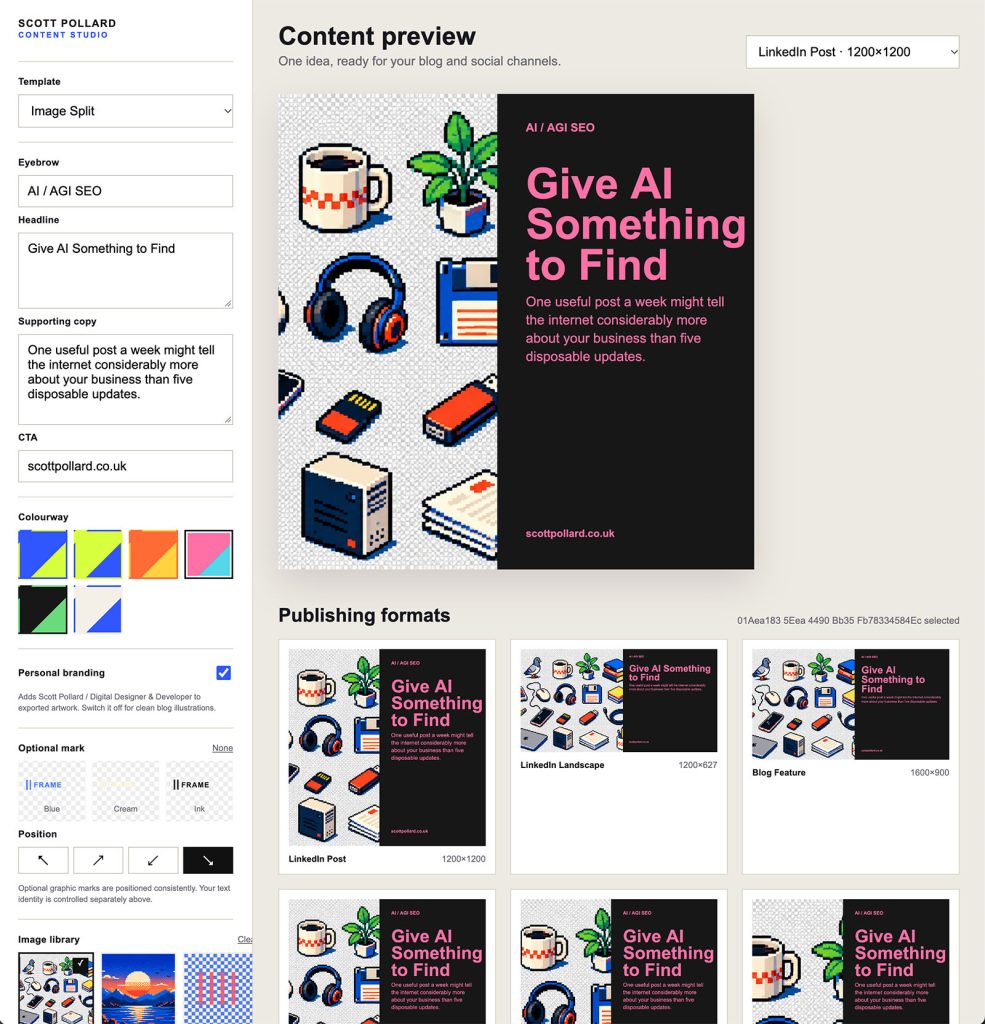
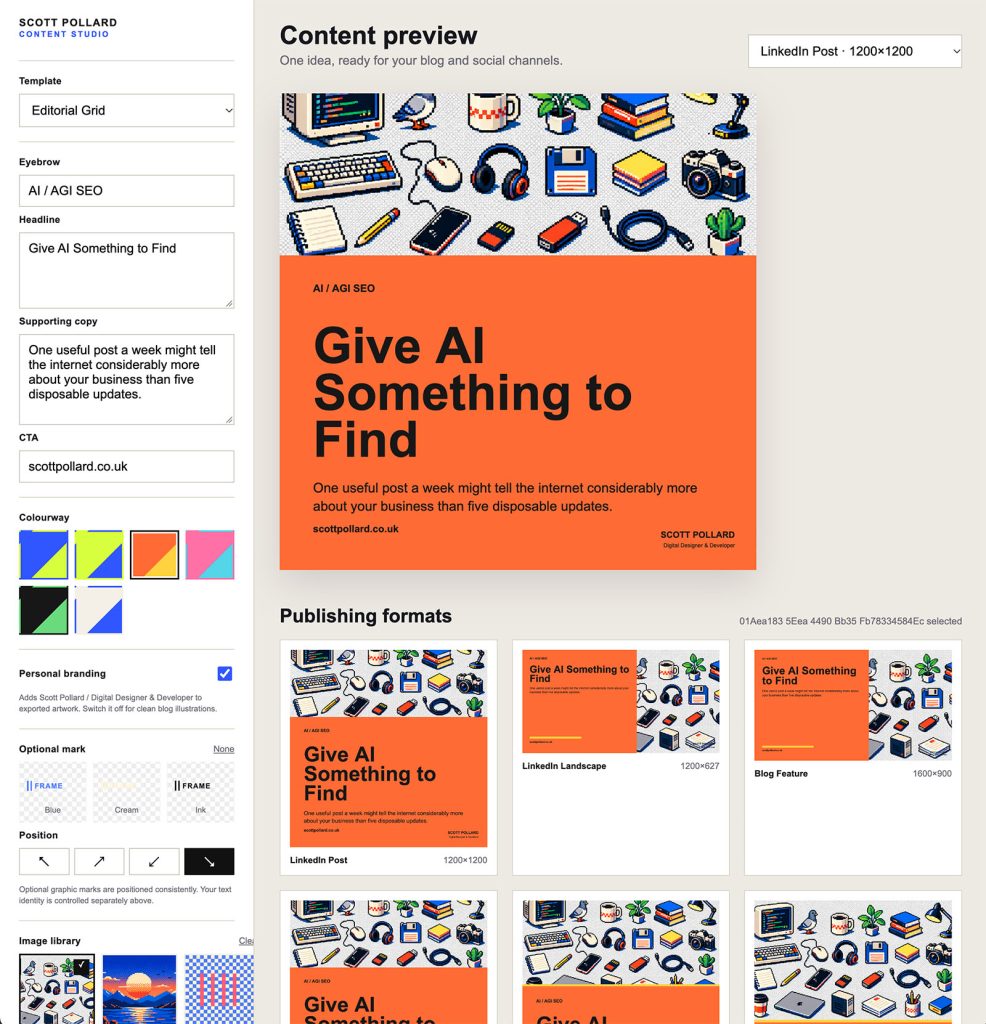
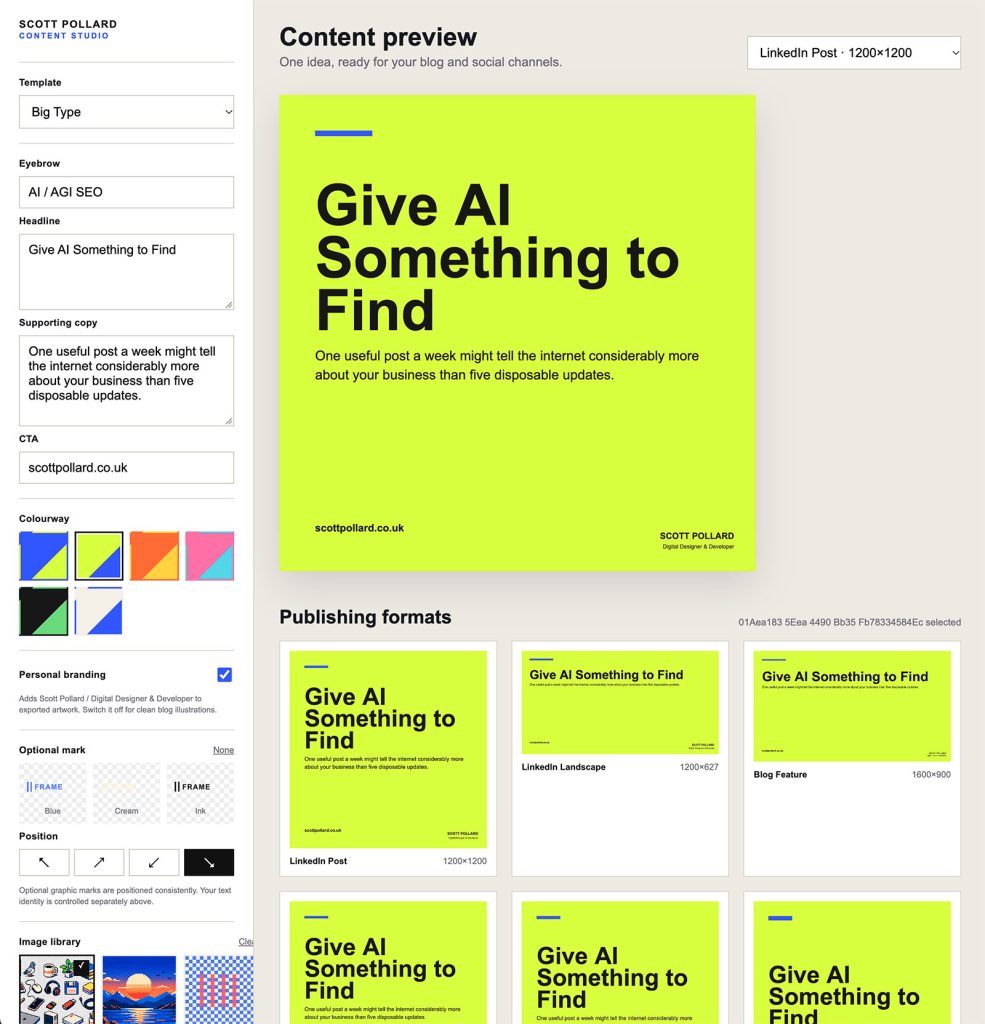
Write a headline, choose an image, pick a layout and generate the sizes I need.
More importantly, I wanted those graphics to feel consistent without having to consciously recreate the design every time.
So I started building a small tool to do exactly that.
Deliberately limited
One of the things I like about building tools for myself is that they don’t need to cater for everyone.
A SaaS product needs options.
Lots of fonts. Lots of templates. Lots of controls. Integrations. Accounts. Cloud storage. Collaboration. AI features.
My tool doesn’t.
It only needs the things I actually use.
That constraint turned out to be one of its best features.
Rather than staring at a blank canvas every time I want to create something, I’ve already made most of the design decisions.
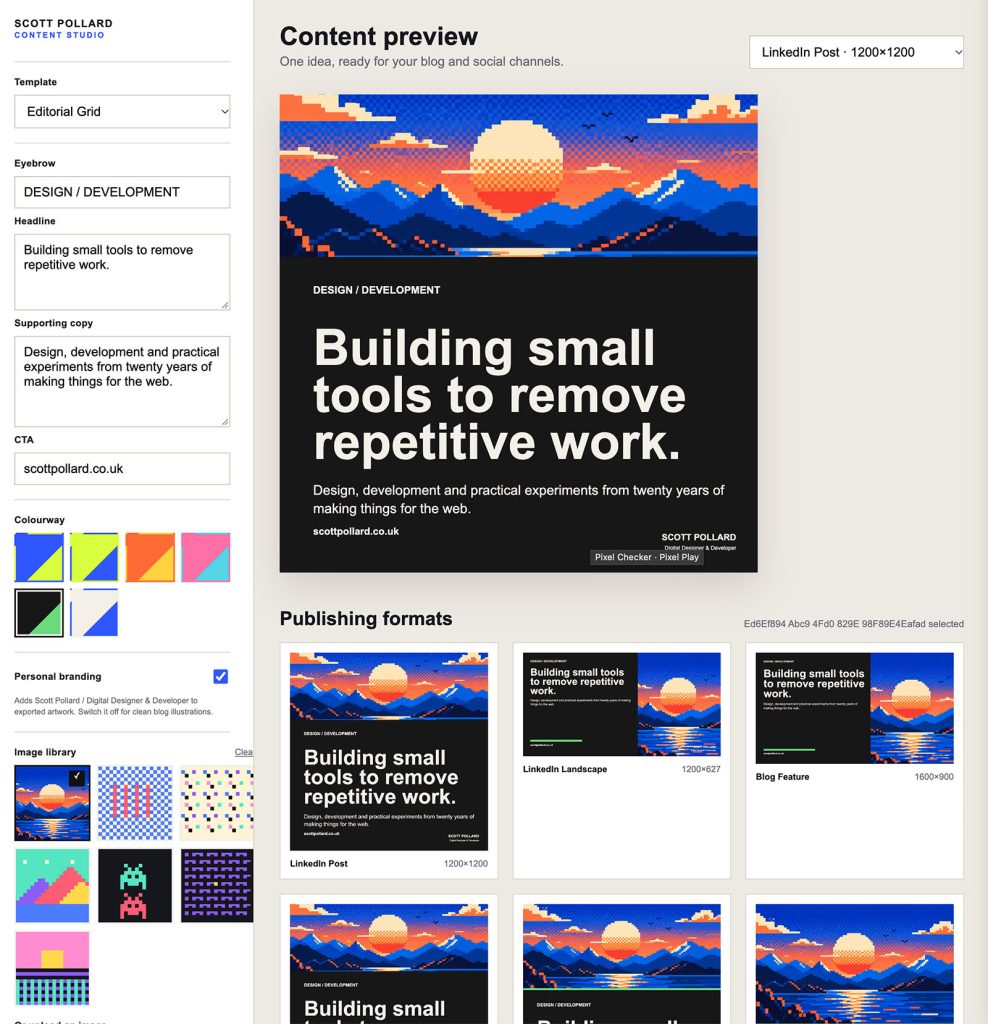
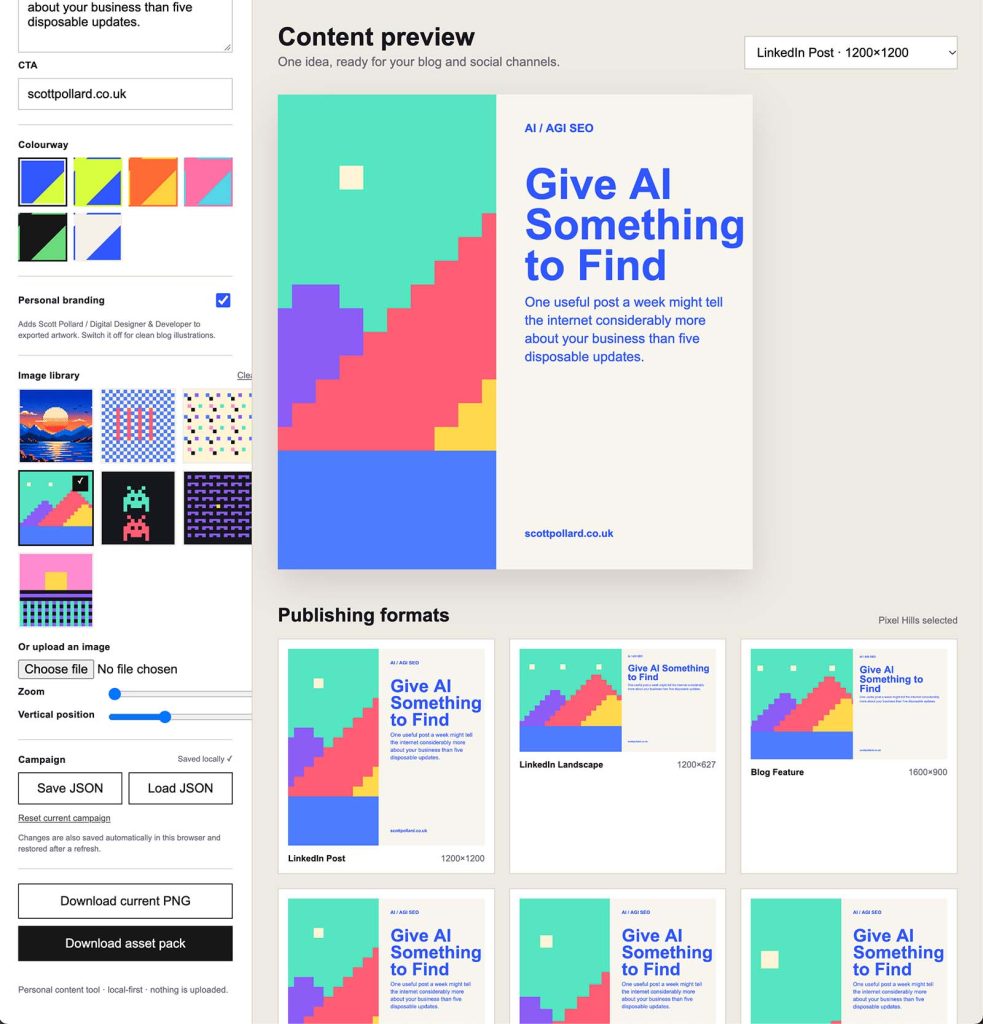
There are a handful of layouts, a set of colour combinations, some image treatments and the output sizes I regularly need.
I can concentrate on the content rather than designing the container around it every time.
AI helped me build it
This is also one of those projects that probably wouldn’t have happened quite as quickly a few years ago.
AI helped me mock up ideas, work through bits of JavaScript and PHP, troubleshoot things and iterate on the interface.
Instead of spending ages planning the application, I could get something working quickly and then react to it.
Does this control need to be here?
Would it be useful if I could change this?
Can I export all the different sizes together?
Build it. Try it. Change it.
That’s probably where I’ve found AI most useful in development. Not necessarily doing the thinking for me, but dramatically shortening the distance between having an idea and having something tangible enough to test.
And it runs on my computer
There’s another thing I quite like about it.
It doesn’t need an account.
There’s no subscription.
There’s no service sitting somewhere on the internet that the application depends on.
I run it locally on my Mac.
Open it in a browser, create what I need, export the images and close it again.
There’s something quite satisfying about software working like that.
It became genuinely useful
What started as a little experiment has ended up becoming something I actually use.
I’ve used versions of it for my own projects and I’ve found the same idea useful in my in-house work too.
That’s probably my favourite kind of side project.
Not something built because I’ve identified a market for it.
Not something that needs users, subscriptions or a launch on Product Hunt.
Just a small piece of software that removes a repetitive job from my day.
Could I have used an existing SaaS product instead?
Absolutely.
But then I wouldn’t have learnt anything building it.
And sometimes, “because I could” is a perfectly good reason to make something.